

In this comprehensive guide, we’ll take you through the essentials of getting started with flight simulation. From setting up your equipment to taking off on your first flight, we’ll cover everything you need to know to confidently take to the virtual skies.
If you’re looking for a flight simulator in Phuket, this beginner’s guide covers the essentials — and shows you where to try one in person.

Before you dive into the world of flight simulators, it’s crucial to grasp the fundamentals. Flight simulation is a digital recreation of flying an aircraft, offering a realistic experience that mimics real-world aviation scenarios. With advanced graphics and sophisticated physics engines, today’s flight simulators provide a high degree of realism that can make you feel like you’re in the cockpit— for example, Microsoft Flight Simulator.
The Evolution of Flight Simulation
Flight simulation has evolved significantly since its inception. Initially, it was used for military training, offering a risk-free way to train pilots. Over the years, technological advancements have transformed flight simulators into sophisticated tools used for both professional pilot training and home entertainment. Modern simulators boast realistic graphics, intricate aircraft systems, and dynamic weather conditions that mimic real-world flying, making them invaluable for learning and practice.
The Science Behind Flight Simulation
At the core of flight simulation is a complex blend of aerodynamics, physics, and computer programming. Simulators use aerodynamic models that replicate how an aircraft behaves in different flight conditions. Coupled with physics engines, these models ensure that every maneuver, from takeoff to landing, feels authentic. Developers also incorporate real-world data, including geographical maps and weather patterns, to enhance realism and provide pilots with a comprehensive flying experience.
Choosing Your Flight Simulator
Selecting the right software is the first step in your flight simulation journey. Popular options include Microsoft Flight Simulator, X-Plane, and Prepar3D, each offering unique features such as detailed aircraft models, dynamic weather conditions, and expansive world maps. Consider your budget, system requirements, and personal preferences when choosing a simulator.
Microsoft Flight Simulator is known for its stunning graphics and global coverage, X-Plane boasts highly accurate flight dynamics, and Prepar3D is favored by those seeking a balance between realism and system performance.
Setting Up Your Equipment
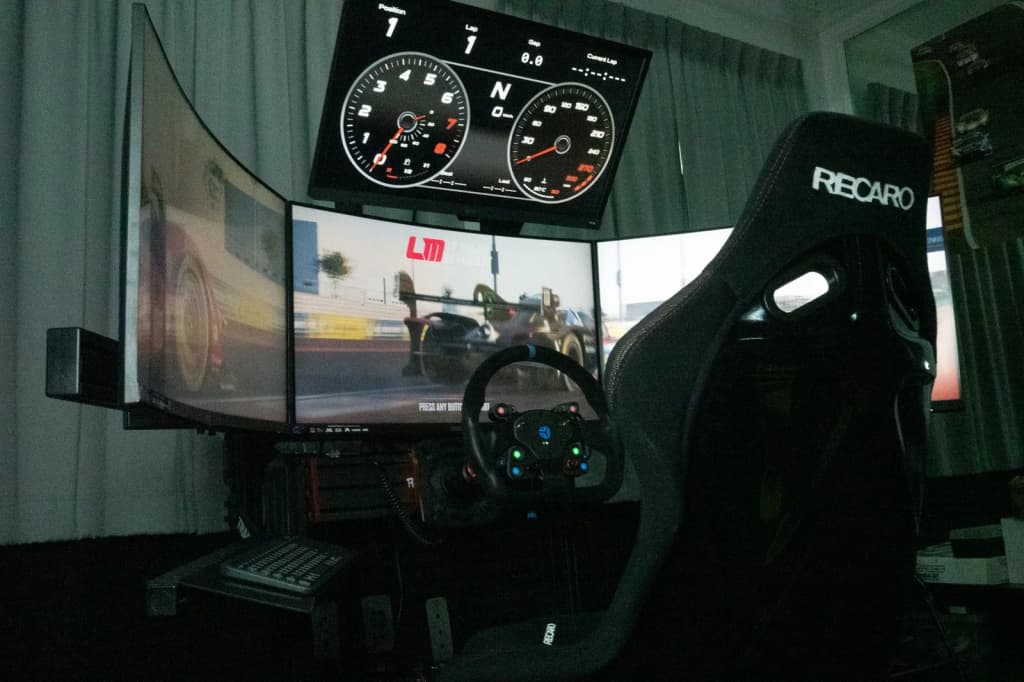
To fully immerse yourself in the flight simulation experience, you’ll need the right equipment. A high-quality joystick or yoke, rudder pedals, and throttle quadrant can enhance your control and realism. Additionally, investing in a VR headset or multiple monitors can provide an even more immersive experience.
Joysticks and Yokes
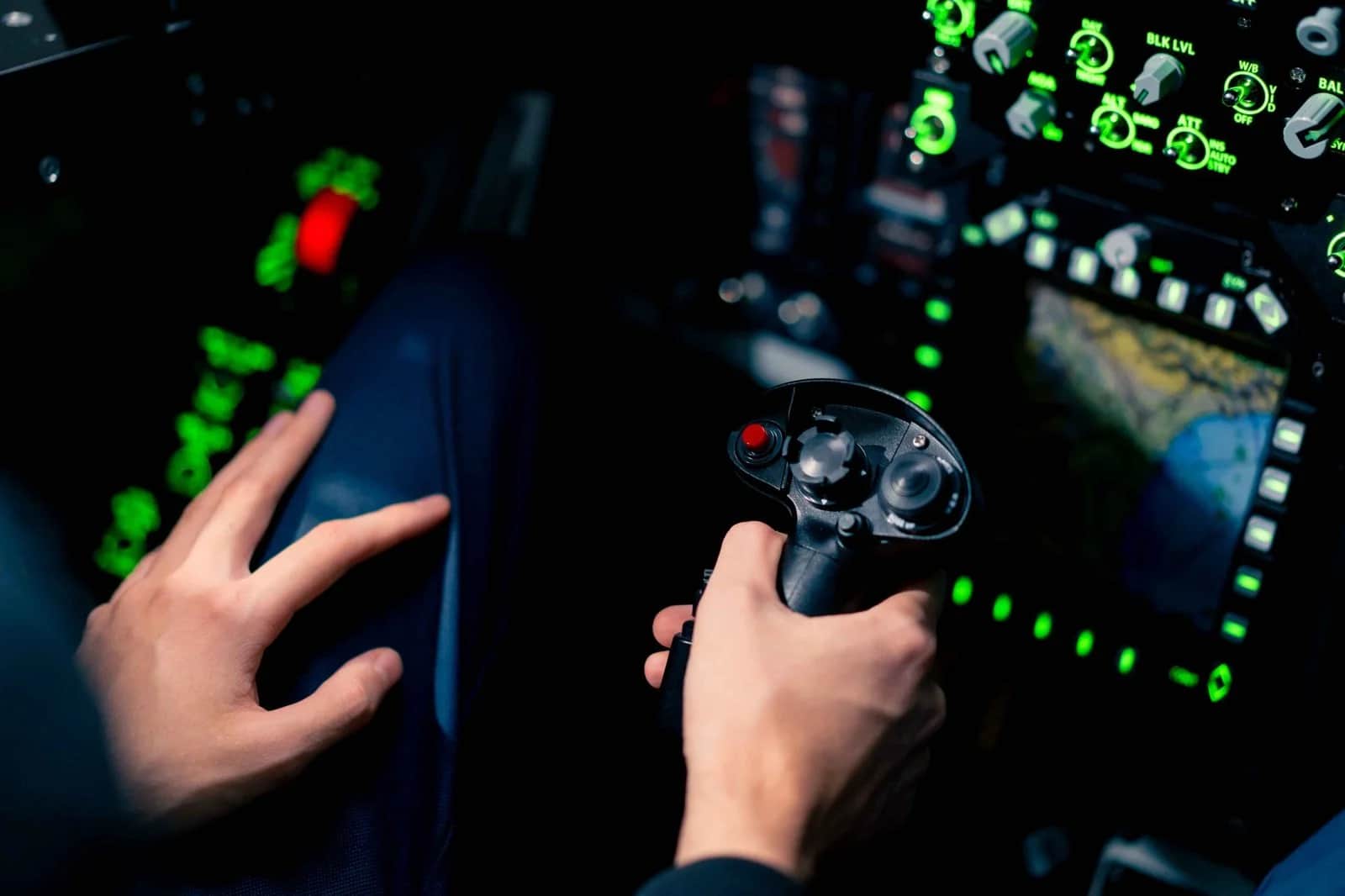
The choice between a joystick and a yoke depends on the type of aircraft you prefer flying. Joysticks are often used for fighter jets and helicopters, offering precise control and a compact setup. Yokes, on the other hand, are ideal for simulating commercial and general aviation aircraft, providing a realistic feel for those types of planes.
Rudder Pedals and Throttle Quadrants
Rudder pedals are essential for controlling the aircraft’s yaw, especially during takeoff and landing. They add an extra layer of realism and control precision. Throttle quadrants allow for more accurate power adjustments, especially in multi-engine aircraft, where managing individual engine thrust is crucial for a realistic experience.
Enhancing Your Setup
For those seeking the ultimate immersive experience, consider expanding your setup with additional monitors or a VR headset. Multiple screens can offer a panoramic view of the cockpit and surrounding environment, while VR headsets transport you directly into the pilot’s seat, offering unparalleled realism and situational awareness.

Your First Flight: A Step-by-Step Guide
Now that you’re equipped with the basics, it’s time to embark on your first flight. Follow these steps to ensure a smooth takeoff and landing.
Pre-Flight Preparations
- Select Your Aircraft: Start with a basic aircraft, such as a Cessna 172, which is forgiving for beginners and offers a good balance of speed and control. The Cessna 172’s simple cockpit and forgiving flight characteristics make it ideal for learning the fundamentals of flight without overwhelming complexity.
- Choose Your Location: Pick an airport with a straightforward layout and less air traffic to avoid overwhelming yourself on your first flight. A small, regional airport often provides an ideal setting, allowing you to focus on learning the controls without the distraction of busy airspace.
- Weather Conditions: Set clear skies and calm winds to minimize challenges and focus on learning the controls. As a beginner, avoiding adverse weather conditions will help you concentrate on mastering basic flight maneuvers and understanding the aircraft’s behavior in a controlled environment.
Familiarizing Yourself with the Cockpit
Once you’re in the virtual cockpit, take some time to familiarize yourself with the controls and instruments. The primary instruments you’ll need include the airspeed indicator, altimeter, and attitude indicator. Understanding these will help you maintain control of your aircraft during flight.
Understanding Flight Instruments
The airspeed indicator shows your current speed, crucial for maintaining control and avoiding stalls. The altimeter indicates your altitude, essential for ensuring you remain within safe flying limits. The attitude indicator provides visual cues about your aircraft’s orientation relative to the horizon, helping you maintain level flight.
Exploring the Cockpit Layout
Spend some time exploring the cockpit layout to understand where each instrument and control is located. Familiarize yourself with the throttle, flaps, and trim controls, as these will be essential during various flight phases. Knowing your cockpit layout will reduce the time you spend looking for controls during critical moments.
Practicing Instrument Monitoring
Developing the habit of regularly monitoring your instruments is vital for maintaining situational awareness. Practice scanning your instruments in a systematic order, ensuring you continuously receive important flight information without fixating on any single instrument.
Taking Off
- Start the Engine: Follow the checklist provided by your simulator to start the engine and prepare for takeoff. Engine start procedures vary between aircraft, so familiarize yourself with the specific steps for your chosen plane.
- Taxi to the Runway: Use the rudder pedals to steer your aircraft to the runway. Keep your taxi speed slow and controlled. Taxiing requires coordination between throttle and rudder inputs to maintain a straight path and avoid oversteering.
- Perform a Pre-Flight Check: Ensure all instruments are functioning correctly, and flaps are set for takeoff. A thorough pre-flight check ensures that your aircraft is in optimal condition for a successful takeoff.
- Throttle Up: Gradually increase the throttle to full power, keeping the aircraft centered on the runway using the rudder pedals. Smooth throttle application prevents sudden surges of power that could destabilize the aircraft.
- Rotate: As you gain speed, gently pull back on the joystick or yoke to lift off the runway. Aim for a steady climb rate. Achieving the correct rotation speed and angle is crucial for a smooth and safe transition from ground to air.
In the Air
Congratulations, you’re airborne! As you ascend, focus on maintaining a steady climb and keeping the aircraft level. Use small, smooth inputs on the controls to avoid overcorrection.

Maintaining a Steady Climb
A steady climb involves monitoring your airspeed and rate of ascent. Adjusting the throttle and pitch appropriately will ensure you maintain a safe climb speed and angle, preventing stalls or excessive acceleration.Keeping the Aircraft Level
Once you reach your desired altitude, level the aircraft by adjusting the pitch and throttle. Maintaining a stable altitude requires constant monitoring of the altimeter and attitude indicator, as well as minor adjustments to the trim and throttle.Navigational Awareness
As you fly, practice situational awareness by periodically checking your position on the map and monitoring nearby air traffic. Developing this skill will prepare you for more complex flights and crowded airspace.Basic Maneuvers
- Straight and Level Flight: Practice maintaining a constant altitude and heading. Use the trim controls to help stabilize your flight. Straight and level flight is a fundamental skill, forming the basis for all other maneuvers.
- Turns: Gently bank the aircraft left or right to change direction. Be mindful of maintaining altitude during turns. Properly executed turns involve coordinating aileron and rudder inputs to achieve a smooth and balanced maneuver.
- Climbs and Descents: Practice climbing to higher altitudes and descending back to your original level. Monitor your instruments to ensure controlled maneuvers. Understanding how to manage airspeed and pitch during climbs and descents is vital for maintaining control and efficiency.
Landing
As you near your destination, it’s time to prepare for landing. Follow these steps for a smooth touchdown.- Enter the Traffic Pattern: Approach the airport and enter the traffic pattern, which is a standard path aircraft follow for landing. The traffic pattern consists of specific segments that guide you safely to the runway.
- Set Up for Landing: Reduce throttle, extend flaps, and lower landing gear (if applicable) as you approach the runway. Properly configuring your aircraft for landing ensures a controlled descent and approach.
- Final Approach: Align your aircraft with the runway and descend steadily. Keep your speed controlled and use gentle corrections to stay on course. A stabilized approach increases the likelihood of a safe and smooth landing.
- Touchdown: As you reach the runway, reduce throttle further and gently flare (raise the nose) just before touchdown to ensure a smooth landing. Flaring at the right moment and angle is crucial for minimizing impact and achieving a gentle landing.
- Taxi to Parking: After landing, use the rudder pedals to steer off the runway and taxi to your parking spot. Post-landing procedures involve careful taxiing and parking, ensuring your aircraft is safely secured.
Tips for Continued Learning
Flight simulation offers endless opportunities for learning and exploration. Here are a few tips to help you continue your flight training simulation journey:- Practice Regularly: Consistent practice will improve your skills and confidence in handling different aircraft and situations. Regular flying helps reinforce learned concepts and develop muscle memory for complex maneuvers.
- Join Online Communities: Connect with other flight sim enthusiasts to share experiences, ask questions, and learn from one another. Online communities provide a wealth of knowledge and support, offering insights and solutions to common challenges.
- Expand Your Fleet: As you gain experience, try flying different aircraft types to broaden your understanding of aviation. Experimenting with various aircraft introduces you to new flight dynamics and challenges, enhancing your piloting versatility.
- Experiment with Weather and Locations: Challenge yourself by flying in various weather conditions and exploring new destinations around the world. Different environments and weather scenarios test your adaptability and decision-making skills.
- Engage in Tutorials and Courses: Many flight simulators offer in-depth tutorials and courses that teach advanced skills and techniques. Engaging with these resources can deepen your understanding and proficiency in specific areas of flight.
Five mistakes every beginner makes (and how to skip them)
Most first-time flight-sim pilots lose their first hour to the same handful of errors. Knowing them in advance saves a lot of frustration.
- Chasing the instruments instead of flying the aircraft. Beginners fixate on one dial and over-correct. Fly smoothly first; scan the instruments in a rhythm rather than staring at one.
- Over-controlling. Small, gentle inputs almost always beat large ones. If you’re wrestling the aircraft, you’re doing too much.
- Skipping the trim. Trimming the aircraft to hold its attitude takes the constant pressure off your hands and makes everything calmer.
- Starting with the hardest aircraft. Begin with a light single-engine trainer, not an airliner. The fundamentals transfer; the complexity doesn’t help you learn.
- Flying without a plan. Even a simple “take off, circuit, land” gives the session a shape — and a way to measure whether you improved.
Try it for real: flight simulation at SIMPRO Academy Phuket
Reading about flight simulators is one thing — sitting in one is another. At SIMPRO Academy Phuket you can take the controls of a realistic flight simulator with full cockpit instruments and optional VR, in a calm, guided setting. Practise takeoffs, landings and basic navigation, then build up to more complex procedures, weather and emergency scenarios at your own pace. What makes it genuinely useful for beginners is the coaching: your sessions are led by an instructor with more than 23 years as a professional airline pilot and hundreds of hours in full-motion simulators, so the guidance is clear, structured and easy to follow. Explore our flight simulation experiences to see what’s involved. You’ll find us inside SOHO Pool Club at Boat Lagoon Marina, open daily 9am–9pm. Sessions run about 60 minutes and start from 1,300 THB. To book, call +66 62 962 2822 or email info@simproacademyphuket.com. Curious about the other side of the sim? See how sim racing doubles as real driving practice — or explore our sim racing sessions.Recap: your first steps in flight simulation
Flight simulation is a captivating and educational pursuit that offers the thrill of aviation without leaving the ground. By mastering the basics and building your skills over time, you can enjoy the endless possibilities that flight training simulation provides. Whether you’re a novice pilot or an experienced aviator, the virtual skies await your exploration. Happy flying!About the Author
Paul Chappell is Founder and Operator of SIMPRO Academy Phuket. With 23+ years as a professional airline pilot, including a Lead Captain position on a Boeing Business Jet where he managed flight training and checking responsibilities, Paul brings deep expertise in precision performance and simulator-based training. He has previously operated as a qualified flight instructor and has logged hundreds of hours on certified full-motion flight simulators. Beyond aviation, Paul is a lifelong motorsport enthusiast — 10+ years on high-performance motorbikes, multiple track days in an AMG 45S, a professional rally driver training course, and extensive experience on high-performance go-karts. He founded SIMPRO Academy in 2024 to bring professional-grade sim racing and flight simulation training to Southeast Asia.
Reach Paul: info@simproacademyphuket.com | +66 62 962 2822